

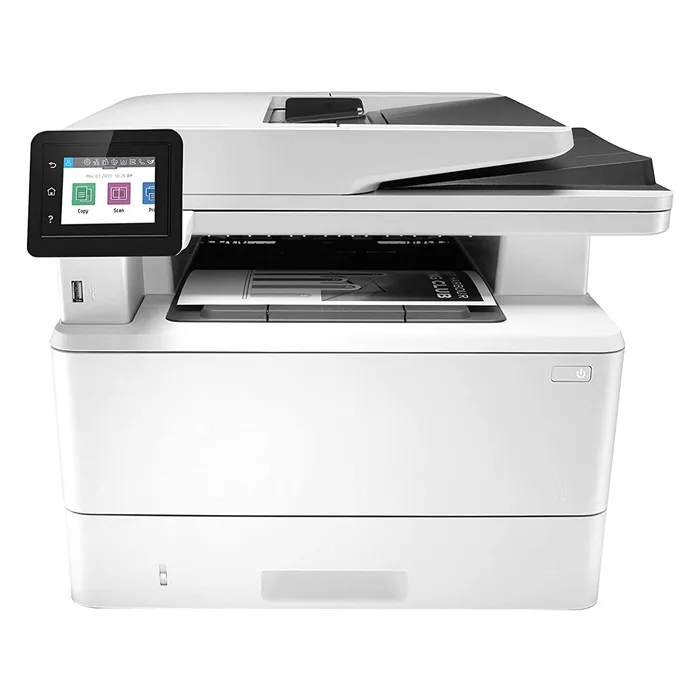
All-in-One Printers

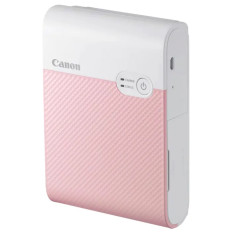
● Call For Price
Refurbished
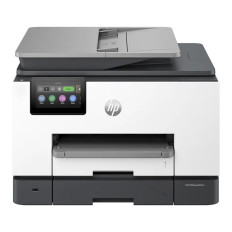
● Call For Price
Refurbished
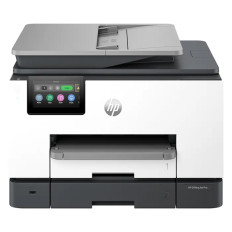
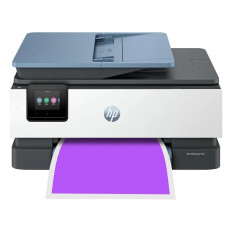
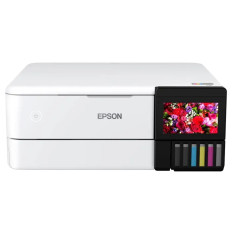
Introduction to All-in-One Printers
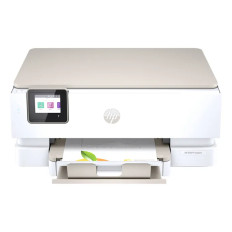
All-in-one printers unite multiple document functions in a single device. Designed for home, small office, and hybrid work environments, these units simplify everyday tasks by combining printing, scanning, copying, and sometimes faxing. By integrating these capabilities, all-in-one printers save space, reduce device management complexity, and offer users a unified solution for digital and physical document workflows.
Choosing the Right Print Engine
The "heart" of an AiO device typically uses one of two technologies:
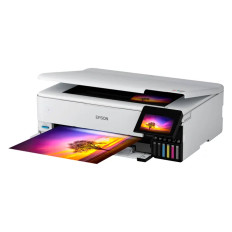
- Inkjet Units: Popular in homes and creative spaces for their ability to produce vibrant photos and rich color graphics.
- Laser Units: These leverage toner technology to deliver sharp text, high throughput, and a lower cost per page, making them the standard for professional business use.
Integrated Scanning and Digitization
Scanning functions convert physical media into digital files using two primary methods:
- Flatbed Scanners: Best for single sheets, delicate photos, and bound materials like books.
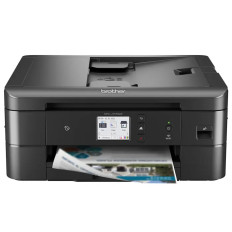
- Automatic Document Feeders (ADF): Essential for processing multi-page documents without manual intervention.
- Quality: Optical resolutions between 600 and 1200 dpi ensure crisp, detailed scans for archiving and OCR (Optical Character Recognition).
Copying and Duplication Features
Copying functionality utilizes both the scanner and the print engine to generate duplicates. Users can customize jobs through the interface by adjusting:
- Scale and contrast.
- Copy count and paper size.
- Advanced options like collating and reducing/enlarging for complex document sets.
Connectivity and Cloud Integration
Modern AiOs are designed for a "cord-free" world. Beyond standard USB and Ethernet, they feature:
- Mobile Printing: Standards such as Apple AirPrint, Mopria, and Wi-Fi Direct allow printing from smartphones without installing drivers.
- Cloud Workflow: Direct integration with services like Google Drive and Dropbox, allowing users to scan documents directly to the cloud or print files remotely.
Media Handling and Efficiency
To accommodate various tasks, these printers offer versatile paper paths:
- Trays: Support standard letter, legal, and photo formats.
- Manual Slots: Simplify the printing of envelopes or specialty labels.
- Duplexing: Automatic double-sided printing to reduce paper waste and create a professional finish.
User Interface and Experience
The user experience has evolved from simple buttons to intuitive touchscreens. These panels provide:
- Job previews and workflow shortcuts (e.g., "Scan to Email").
- On-screen guidance for troubleshooting paper jams.
- Status indicators for real-time ink or toner monitoring.
Maintenance and Supply Management
Managing consumables is a key part of the total cost of ownership. Many modern models now support:
- High-Yield Cartridges: To reduce the frequency of replacements.
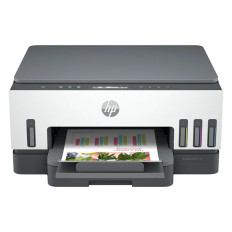
- Refillable Ink Systems (Tanks): To significantly lower the cost per page for high-volume users.
Security and Data Protection
As networked devices, AiOs include security measures to protect sensitive data:
- Password-protected access.
- Encrypted Wi-Fi connections.
- Secure Print Modes: These hold sensitive jobs in a queue until the user physically authenticates at the device to release the print.
Summary
In summary, all-in-one printers bring multiple document functions together in a single machine. Their flexible connectivity, versatile media handling, and intuitive interfaces make them valuable for homes, small offices, and professional settings that need reliable, consolidated document solutions.