

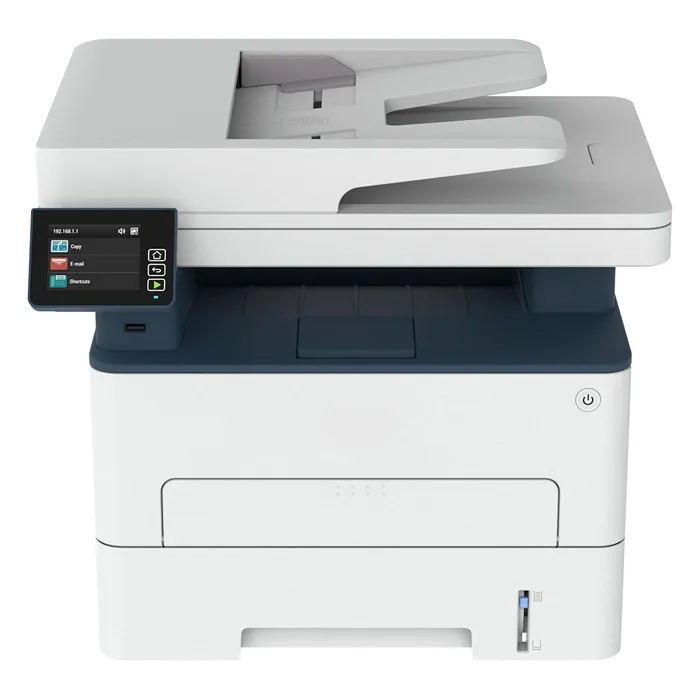
Multifunction Printers
● Call For Price
Refurbished
● Call For Price
Refurbished

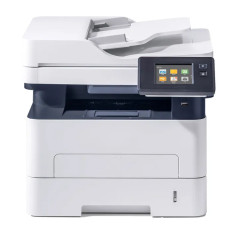
● Call For Price
Refurbished
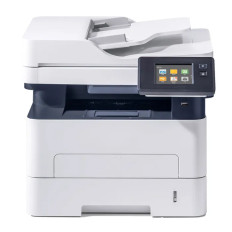
● Call For Price
Refurbished
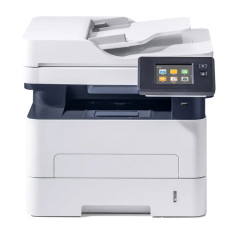
● Call For Price
Refurbished
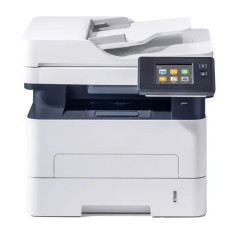
● Call For Price
Refurbished
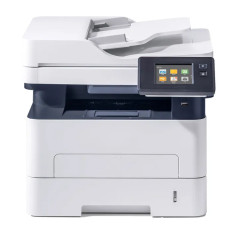
● Call For Price
Refurbished
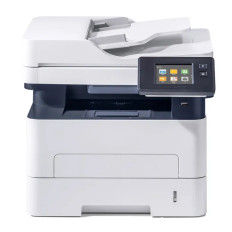
● Call For Price
Refurbished
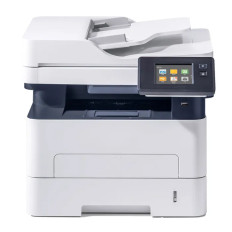
● Call For Price
Refurbished
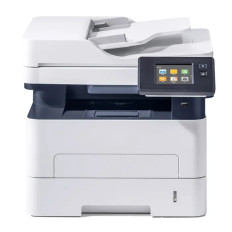
● Call For Price
Refurbished
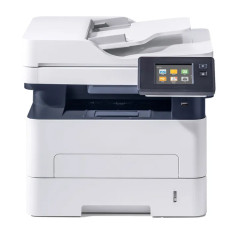
● Call For Price
Refurbished
The Role of Multifunction Printers (MFPs)
Multifunction printers (MFPs) combine several document management functions into a single integrated device. By uniting printing, scanning, copying, and often faxing in one machine, MFPs streamline workflows and reduce the need for separate equipment. This consolidation delivers convenience, space savings, and cost efficiencies, making MFPs a staple in offices, small businesses, and home workspaces.
Print Engine Technologies
The foundation of an MFP is its print engine, which determines its best-use case:
- Laser-Based MFPs: The gold standard for medium and large offices due to high speed, heavy duty cycles, and low cost per page.
- Inkjet MFPs: Excel in producing photos and graphics with rich color depth, ideal for creative environments.
- Thermal MFPs: Specialized units used for specific niche printing tasks, though less common for general office work.
Advanced Scanning and Digitization
Integrated scanning transforms physical documents into high-quality digital formats.
- Resolution: Typically offering 600 to 1200 dpi, these scanners capture sharp text and fine details.
- Batch Processing: Advanced models feature Automatic Document Feeders (ADF) for multi-page handling.
- Duplex Scanning: High-end units can capture both sides of a sheet in a single pass, effectively doubling throughput for digital archiving.
Copying and Duplication Efficiency
Copying leverages the internal scanner and printer combination. Modern MFPs offer sophisticated features to enhance output:
- Customization: Resizing, collating, and quality adjustments.
- Sustainability: Duplex copying functions mirror duplex printing, which conserves paper while producing professional-grade documents.
Legacy and Digital Faxing
Fax functionality remains a requirement in many regulated industries, such as legal and healthcare. MFPs bridge the gap between old and new:
- Analog & Digital: Support for traditional lines as well as Fax over IP (FoIP).
- Reliability: Features like fax memory, speed dialing, and error correction ensure documents are transmitted securely and efficiently.
Connectivity and Cloud Ecosystems
Modern MFPs act as a hub for the entire office network:
- Network Access: Ethernet and Wi-Fi allow multiple users to share a single device.
- Mobile Standards: Built-in support for AirPrint and Mopria caters to smartphone and tablet users.
- Direct Cloud Integration: Users can scan directly to email, network folders, or storage platforms like Google Drive and Dropbox.
Interface and Paper Handling
- Usability: Touchscreens with guided menus simplify job configuration and reduce the need for employee training.
- Versatility: Multiple trays and high-capacity cassettes support everything from standard letter and legal paper to envelopes and heavy cardstock.
Security and Enterprise Management
As shared devices on a network, MFPs include robust security features to protect sensitive data:
- Access Controls: User authentication and password protection.
- Secure Print Release: Jobs are only printed when the authorized user is physically present at the device.
- Audit Logs: Administrators can monitor usage to ensure compliance and manage resources.
Summary
In summary, multifunction printers deliver an integrated approach to document management. Their combination of printing, scanning, copying, and faxing fills core business needs. By enhancing efficiency and offering versatile connectivity, MFPs support modern workflows across professional settings at GotoDirect.