

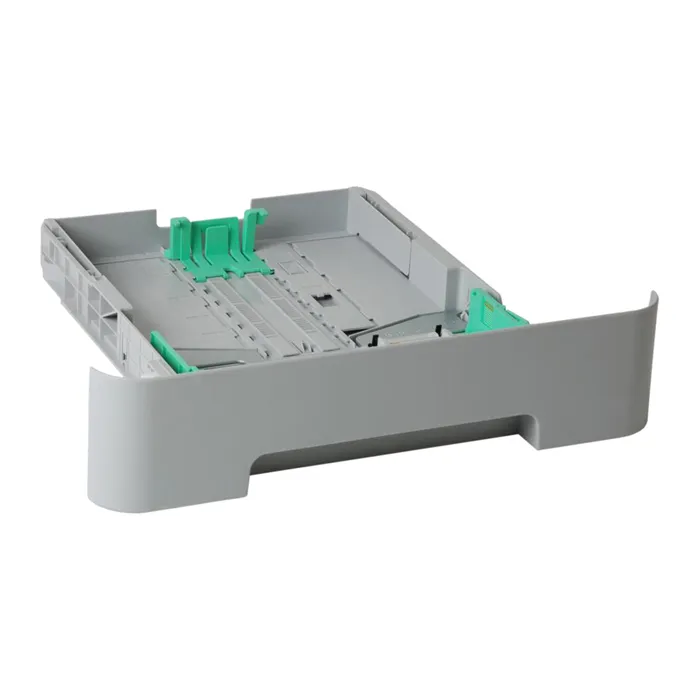
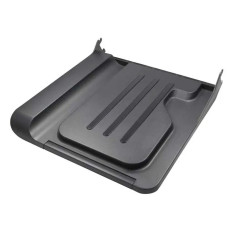
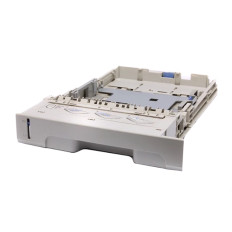
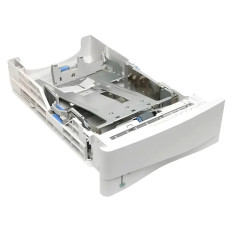
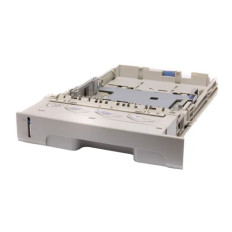
Paper Tray
● Call For Price
Refurbished
● Call For Price
Refurbished
● Call For Price
Refurbished
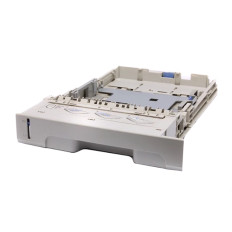

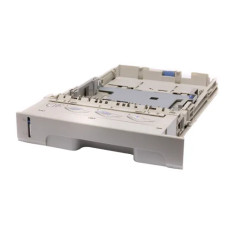
● Call For Price
Refurbished
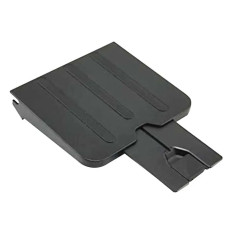
● Call For Price
Refurbished
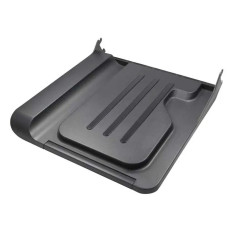
● Call For Price
Refurbished
● Call For Price
Refurbished
● Call For Price
Refurbished
● Call For Price
Refurbished
Overview
Paper trays are essential printer accessories designed to hold and feed paper into printers, copiers, and multifunction devices. They help maintain efficient document printing operations by organizing paper handling and supporting various media sizes and capacities.
Key Features
Paper trays are available in multiple capacities and configurations, including standard trays, high-capacity trays, and optional expansion trays. Many trays support different paper sizes and media types such as plain paper, labels, envelopes, and cardstock.
Explore categories
Use Cases
- Office printing environments
- High-volume business printing
- Educational institutions
- Commercial document processing
Benefits
Additional or upgraded paper trays improve workflow efficiency by reducing the need for constant paper refilling. They also allow businesses to load multiple paper sizes simultaneously, improving operational flexibility.
Why Buy from GotoDirect
GotoDirect offers reliable paper trays compatible with a wide range of printers and multifunction devices. Customers benefit from quality products, competitive pricing, and dependable compatibility support.
FAQ's
Q1: Can I add an extra paper tray to my printer?
Many business printers support optional expansion trays for increased capacity.
Q2: What paper sizes do trays support?
Most trays support standard sizes such as A4 and Letter, while some support custom media sizes.
Q3: Why is my printer not detecting the tray?
This may be caused by incorrect installation or compatibility issues.