


Member of the GotoDirect team, responsible for content management, platform enhancements, and digital operations, ensuring a seamless and reliable user experience.
A reliable power supply is the backbone of any electronic setup, whether you're running a desktop computer, server infrastructure, networking equipment, or printers. Choosing the right power supply ensures stable performance, protects your hardware, and improves overall efficiency.
At GotoDirect, we offer a wide range of power supplies designed to meet the needs of businesses, IT professionals, and individual users. This guide will help you understand everything you need to know about power supplies and how to choose the right one.
What Is a Power Supply?
A power supply unit (PSU) is a hardware component that converts electrical power from an outlet into usable energy for electronic devices. It regulates voltage, ensures consistent power delivery, and protects systems from electrical damage.
Power supplies are essential for:
- Desktop computers
- Servers and data centers
- Networking devices
- Printers and peripherals
- Industrial and proprietary systems
Without a high-quality PSU, your system may experience instability, crashes, or even permanent damage.
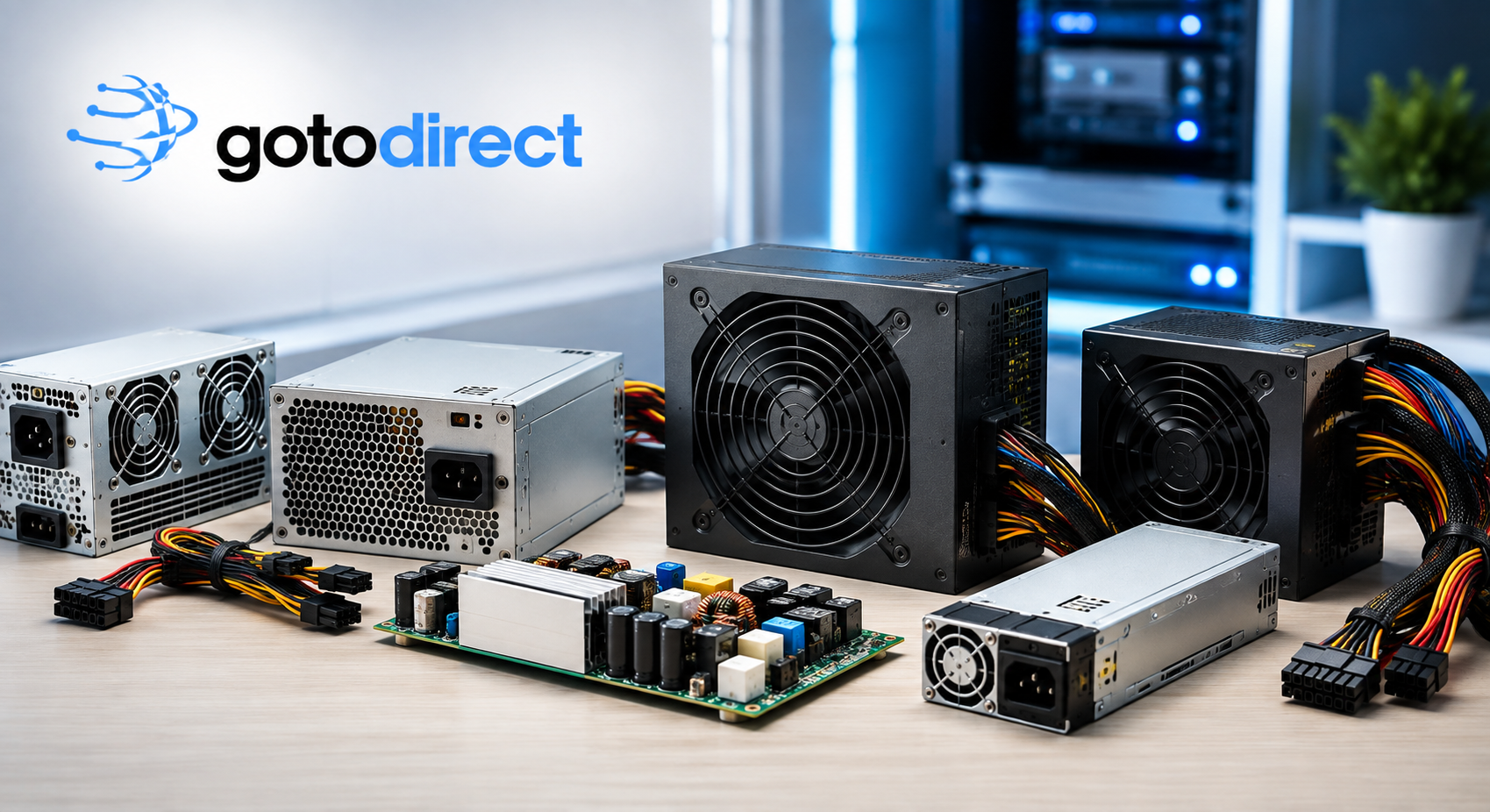
Types of Power Supplies Available
Understanding different types of power supplies helps you choose the right one for your setup.
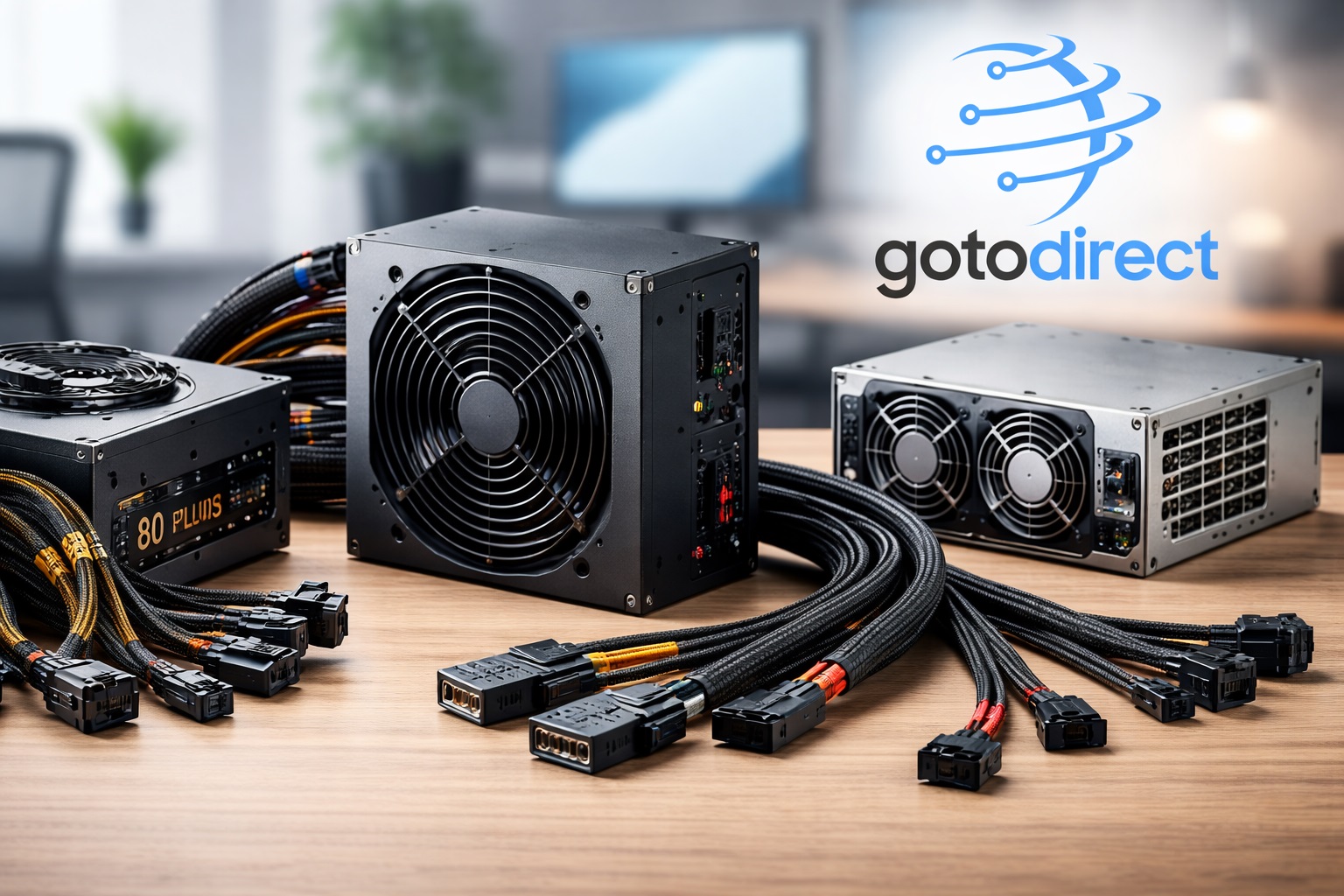
1. Desktop Power Supplies
Desktop power supplies are designed for personal computers and workstations. They typically follow ATX standards and come in various wattage options.
Key features:
- Multiple wattage ratings (400W to 1000W+)
- Modular and non-modular designs
- Efficient cooling systems
Best for: Home users, gamers, and office workstations
2. Server Power Supplies
Server power supplies are built for high-performance environments where reliability is critical. These are commonly used in data centers and enterprise systems.
Key features:
- Redundant power options
- High efficiency (80 PLUS certified)
- Hot-swappable capability
Best for: Businesses, data centers, and mission-critical systems
3. Network Power Supplies
These power supplies are specifically designed for networking devices like switches, routers, and firewalls.
Key features:
- Stable voltage output
- Compact design
- High reliability for continuous operation
Best for: IT infrastructure and networking setups
4. Printer Power Supplies
Printer power supplies are tailored to meet the energy requirements of different types of printers, including laser and dot matrix printers.
Key features:
- Consistent power delivery
- Device-specific compatibility
- Durable design
Best for: Offices and commercial printing environments
5. Proprietary Power Supplies
Proprietary power supplies are custom-built for specific brands or models. They are not interchangeable with standard PSUs.
Key features:
- Brand-specific compatibility
- Optimized performance
- Unique connectors
Best for: Specialized hardware and branded systems
Key Factors to Consider When Choosing a Power Supply
Selecting the right power supply requires careful consideration of several important factors.
1. Wattage Requirements
Wattage determines how much power your system can draw. Choosing the correct wattage ensures stable performance.
- Basic desktops: 400W–600W
- Gaming PCs: 600W–850W
- Servers: 800W–1600W+
Always calculate your system’s total power consumption before buying.
2. Efficiency Ratings
Efficiency is measured by certifications such as 80 PLUS (Bronze, Silver, Gold, Platinum).
Higher efficiency means:
- Lower electricity bills
- Less heat generation
- Longer lifespan
For business use, Gold or higher is recommended.
3. Modular vs Non-Modular
- Modular PSUs: Allow you to connect only the cables you need
- Non-modular PSUs: Come with fixed cables
Modular designs improve airflow and cable management, making them ideal for high-performance systems.
4. Compatibility
Always ensure the PSU is compatible with your device:
- Form factor (ATX, SFX, etc.)
- Connector types
- Voltage requirements
This is especially important for proprietary systems.
5. Build Quality and Protection Features
A good power supply should include:
- Over-voltage protection
- Short-circuit protection
- Over-current protection
- Temperature control
These features protect your hardware from damage.
Why a High-Quality Power Supply Matters
Investing in a reliable power supply is not just about performance—it’s about protecting your entire system.
Improved System Stability
A high-quality PSU delivers consistent power, reducing system crashes and unexpected shutdowns.
Hardware Protection
Poor-quality power supplies can damage components like motherboards, CPUs, and storage devices.
Energy Efficiency
Efficient power supplies reduce electricity consumption, saving costs over time.
Longer Lifespan
Quality PSUs last longer and reduce the need for frequent replacements.
Common Power Supply Problems and Solutions
Understanding common PSU issues can help you troubleshoot effectively.
1. System Not Powering On
- Check connections and cables
- Ensure PSU is switched on
- Verify compatibility
2. Random Shutdowns
- Insufficient wattage
- Overheating
- Faulty PSU
3. Noise or Overheating
- Dust buildup
- Fan issues
- Poor ventilation
Regular maintenance and proper installation can prevent most of these issues.
Power Supply Maintenance Tips
To ensure long-term performance, follow these maintenance practices:
- Clean dust regularly
- Ensure proper airflow
- Avoid overloading the PSU
- Use surge protectors
- Replace aging units
Proper care can significantly extend the life of your power supply.
How to Choose the Right Power Supply for Your Business
For businesses, choosing the right PSU is even more critical due to higher workloads and uptime requirements.
Assess Your Needs
Identify whether you need power supplies for desktops, servers, or networking equipment.
Plan for Scalability
Choose a PSU that can handle future upgrades and increased demand.
Focus on Reliability
Look for high-efficiency ratings and trusted brands.
Consider Redundancy
For servers, redundant power supplies ensure uninterrupted operation.
Why Buy Power Supplies from GotoDirect?
GotoDirect offers a comprehensive selection of power supplies for all types of applications. Whether you need a PSU for a desktop, server, or networking equipment, you’ll find reliable options tailored to your requirements.
Wide Product Range
We provide solutions for various industries and use cases.
Competitive Pricing
Get high-quality power supplies at affordable prices.
Trusted Quality
All products meet industry standards for performance and safety.
Expert Support
Our team helps you choose the right power supply for your needs.
Conclusion
A power supply is one of the most critical components in any electronic system. Choosing the right PSU ensures stability, efficiency, and long-term reliability.
By understanding different types of power supplies, evaluating your requirements, and focusing on quality, you can make an informed decision that protects your investment.
Explore the full range of power supplies at GotoDirect and find the perfect solution for your setup today.