



Member of the GotoDirect team, responsible for content management, platform enhancements, and digital operations, ensuring a seamless and reliable user experience.
PCIe 4.0 vs PCIe 5.0 SSD: Which Generation Is the Better Choice in 2026?
Choosing between a PCIe 4.0 and PCIe 5.0 SSD is one of the most common questions for anyone building or upgrading a modern PC. While PCIe 5.0 introduces significantly higher bandwidth than its predecessor, higher specifications don't always translate into noticeable real-world performance improvements.
The right SSD depends on several factors, including your workload, system compatibility, budget, and long-term upgrade plans. For some users, the latest PCIe 5.0 drives can deliver meaningful productivity gains, while for others, a premium PCIe 4.0 SSD offers nearly the same everyday experience at a more accessible price.
In this blog, we'll compare PCIe 4.0 vs PCIe 5.0 SSDs across performance, gaming, content creation, professional workloads, thermals, compatibility, and overall value to help you determine which option is the better fit for your system in 2026.
Why PCIe 5.0 Isn't Automatically Better
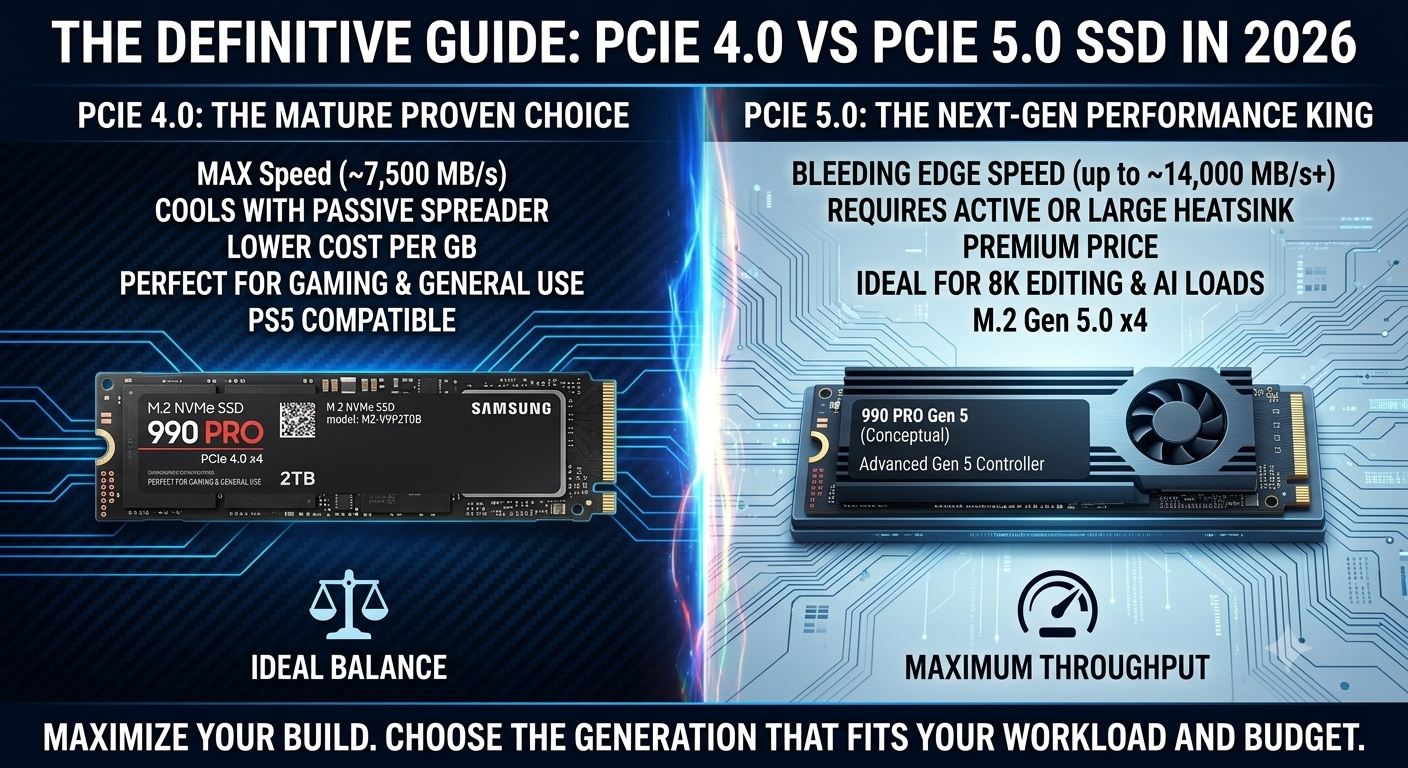
Looking only at specification sheets makes the decision seem obvious. The fastest PCIe 5.0 SSDs now exceed 14,000 MB/s sequential read speeds, while even the best PCIe 4.0 SSDs typically peak around 7,500 MB/s.
Those numbers are impressive, but they don't always translate into a noticeably faster computer.
Everyday tasks such as booting Windows, launching applications, opening documents, or browsing the web rarely push storage anywhere near its maximum bandwidth. Overall responsiveness depends on several factors, including latency, controller efficiency, firmware optimization, and how effectively the SSD handles thousands of smaller read and write requests.
This is why many users upgrading from a premium PCIe 4.0 drive to a PCIe 5.0 model notice only modest improvements outside of storage-intensive workloads.
PCIe 4.0 vs PCIe 5.0 SSD: Feature Comparison
Feature | PCIe 4.0 SSD | PCIe 5.0 SSD | Why It Matters |
|---|---|---|---|
Maximum Bandwidth | Up to 16 GT/s | Up to 32 GT/s | PCIe 5.0 doubles the available bandwidth. |
Sequential Read Speed | Up to 7,500 MB/s | Up to 14,500 MB/s | Faster large file transfers and sustained workloads. |
Sequential Write Speed | Up to 7,000 MB/s | Up to 12,700 MB/s | Improves exports, backups, and write-heavy applications. |
Heat Output | Moderate | Higher | Faster drives generate more heat under load. |
Cooling Requirements | Standard heatsink | High-performance heatsink recommended | Better cooling helps prevent thermal throttling. |
Platform Support | Most modern systems | Latest Intel and AMD platforms | Older systems can't fully utilize PCIe 5.0 performance. |
Cost | More affordable | Premium pricing | PCIe 4.0 remains the better value for most buyers. |
The specifications clearly favor PCIe 5.0, but maximum throughput is only one part of the equation. The best SSD is the one that matches your workload—no
The specifications clearly favor PCIe 5.0, but maximum throughput is only one part of the equation. The best SSD is the one that matches your workload—not simply the one with the highest benchmark score.
Gaming: Does PCIe 5.0 Improve Performance?
Gaming is one of the biggest reasons people upgrade their storage, but it's also one of the areas where PCIe 5.0 offers the smallest real-world advantage today.
Modern games continuously stream textures, environments, and other assets from storage. However, once those assets are loaded, performance depends primarily on the processor and graphics card rather than SSD bandwidth. That's why upgrading from a premium PCIe 4.0 SSD to a PCIe 5.0 model rarely increases frame rates.
Where a faster SSD can make a difference is in loading screens, game installations, updates, and fast-travel sequences. Even then, the improvement is often measured in seconds rather than minutes because today's best PCIe 4.0 SSDs are already exceptionally fast.
Drives such as the Samsung 990 PRO, WD Black SN850X, and Kingston Fury Renegade continue to deliver outstanding gaming performance with fast load times, low latency, and enough bandwidth to handle modern AAA titles comfortably.
Looking ahead, technologies such as Microsoft Direct Storage may allow future games to take greater advantage of ultra-fast NVMe storage. For now, however, most gamers will see better overall performance by investing the price difference in a more powerful GPU or CPU instead of moving from PCIe 4.0 to PCIe 5.0.
Professional Workloads: Where PCIe 5.0 Earns Its Price
Professional environments tell a different story.
Applications that constantly read and write large amounts of data are much more likely to benefit from PCIe 5.0's additional bandwidth. Video editors working with high-resolution footage, engineers building complex CAD models, software developers compiling large projects, and businesses running multiple virtual machines all perform storage-intensive tasks throughout the day.
In these situations, reducing file transfer times and improving storage throughput can lead to measurable productivity gains.
That doesn't mean PCIe 4.0 SSDs are no longer capable. High-end Gen4 drives continue to deliver exceptional performance for video editing, software development, virtualization, rendering, and workstation applications. PCIe 5.0 simply provides additional performance headroom for professionals whose workloads regularly push storage to its limits.
Heat, Compatibility, and Future-Proofing
Higher performance almost always comes with a trade-off, and in the case of PCIe 5.0 SSDs, that trade-off is heat.
Because Gen5 drives transfer data at much higher speeds, they generate more heat during sustained workloads than their PCIe 4.0 counterparts. Without adequate cooling, temperatures can rise enough to trigger thermal throttling, causing the SSD to reduce its performance to protect internal components.
For this reason, many PCIe 5.0 SSDs are sold with large heatsinks or are designed to work alongside motherboard cooling solutions. If you're planning a compact build or have limited airflow, this is an important factor to consider.
Compatibility also plays a major role in the buying decision. While PCIe 5.0 SSDs are backward compatible with PCIe 4.0 slots, they'll only operate at PCIe 4.0 speeds unless they're installed on a motherboard and processor that fully support the newer standard.
If you're building a brand-new system around the latest Intel or AMD platform, PCIe 5.0 offers greater long-term flexibility. However, if you're upgrading an existing PCIe 4.0 system, replacing your motherboard and processor simply to gain faster storage rarely delivers the best return on investment.
Our SSD Recommendations
The good news is that both PCIe generations offer excellent options, and your choice should depend more on your workload than on benchmark numbers.
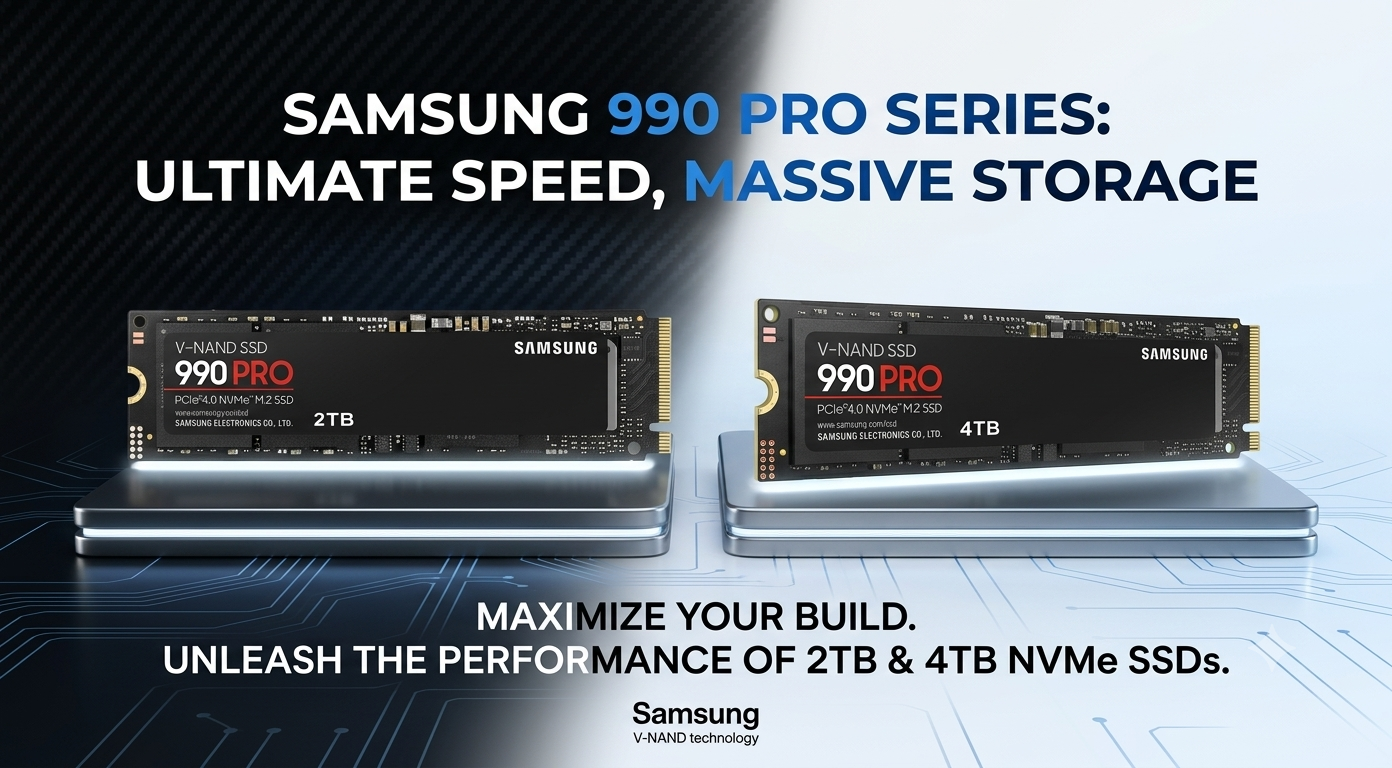
For PCIe 4.0, the Samsung 990 PRO remains one of the strongest all-around SSDs available. Its excellent sustained performance, mature firmware, strong endurance, and efficient thermal design make it an outstanding choice for gaming, creative work, and professional applications. The WD Black SN850X continues to be a favorite among gamers thanks to its low latency and consistent performance, while the Crucial T500 and Kingston Fury Renegade deliver excellent value for users who need high-speed storage without moving to PCIe 5.0.
If your workflow can genuinely benefit from Gen5 performance, drives such as the Samsung 9100 PRO, Crucial T705, Corsair MP700 Pro, and Seagate FireCuda 540 are built to handle demanding workloads that involve continuous large-scale data transfers. These SSDs are particularly well suited to high-end workstations, enterprise deployments, and content creation environments where every minute saved contributes to greater productivity.
Which SSD Should You Buy?
Choosing between PCIe 4.0 vs PCIe 5.0 SSDs ultimately comes down to one question: how demanding are your workloads?
If your system is primarily used for gaming, everyday productivity, software development, content creation, or general workstation tasks, a premium PCIe 4.0 SSD remains the smartest investment. It delivers exceptional real-world performance, excellent reliability, lower operating temperatures, and better value than most Gen5 alternatives.
If your work regularly involves transferring hundreds of gigabytes of data, editing high-resolution media, running multiple virtual machines, compiling large software projects, or processing AI and engineering workloads, then a PCIe 5.0 SSD can provide measurable productivity gains that justify its higher price.
Rather than buying the newest technology simply because it's available, invest in the SSD that best matches the way you actually use your computer.
Final Thoughts
The conversation around PCIe 4.0 vs PCIe 5.0 SSDs often focuses on benchmark numbers, but those figures only tell part of the story. While PCIe 5.0 delivers remarkable bandwidth and represents the next generation of storage technology, that additional performance isn't equally valuable for every user.
For most gamers, creators, developers, and professionals, a high-quality PCIe 4.0 SSD still provides everything needed for a fast, responsive system. Premium Gen4 drives offer outstanding real-world performance, mature firmware, lower heat output, broad platform compatibility, and a significantly better price-to-performance ratio. They're capable of handling modern games, demanding creative applications, and business workloads without becoming a bottleneck.
PCIe 5.0 comes into its own when storage is pushed to the limit. If your workflow revolves around massive datasets, high-resolution media production, virtualization, scientific computing, or enterprise applications where every second matters, the additional bandwidth can translate into meaningful productivity gains.
Ultimately, choosing the right SSD isn't about chasing the highest benchmark score—it's about selecting the storage solution that delivers the best balance of performance, reliability, compatibility, and value for your workload. By understanding where each generation excels, you can invest with confidence and build a system that's ready not only for today's demands but also for the years ahead.
Where to Buy
Whether you're upgrading an existing PC or building a new workstation, GotoDirect offers a wide selection of PCIe 4.0 and PCIe 5.0 SSDs from leading manufacturers, including Samsung, Western Digital, Crucial, Kingston, Corsair, and Seagate.
Find the right SSD for your gaming PC, creative workstation, or enterprise deployment at the best prices. For more information or queries, feel free to contact us today.